
Every item in your Collection can be set to either:
Public — anyone on the internet can see it from your collection page at agentcollectibles.com/your-username
Private — only you can see it. You can test this in an incognito browser where your account is not signed in. If it's private, you won't be able to view the page.
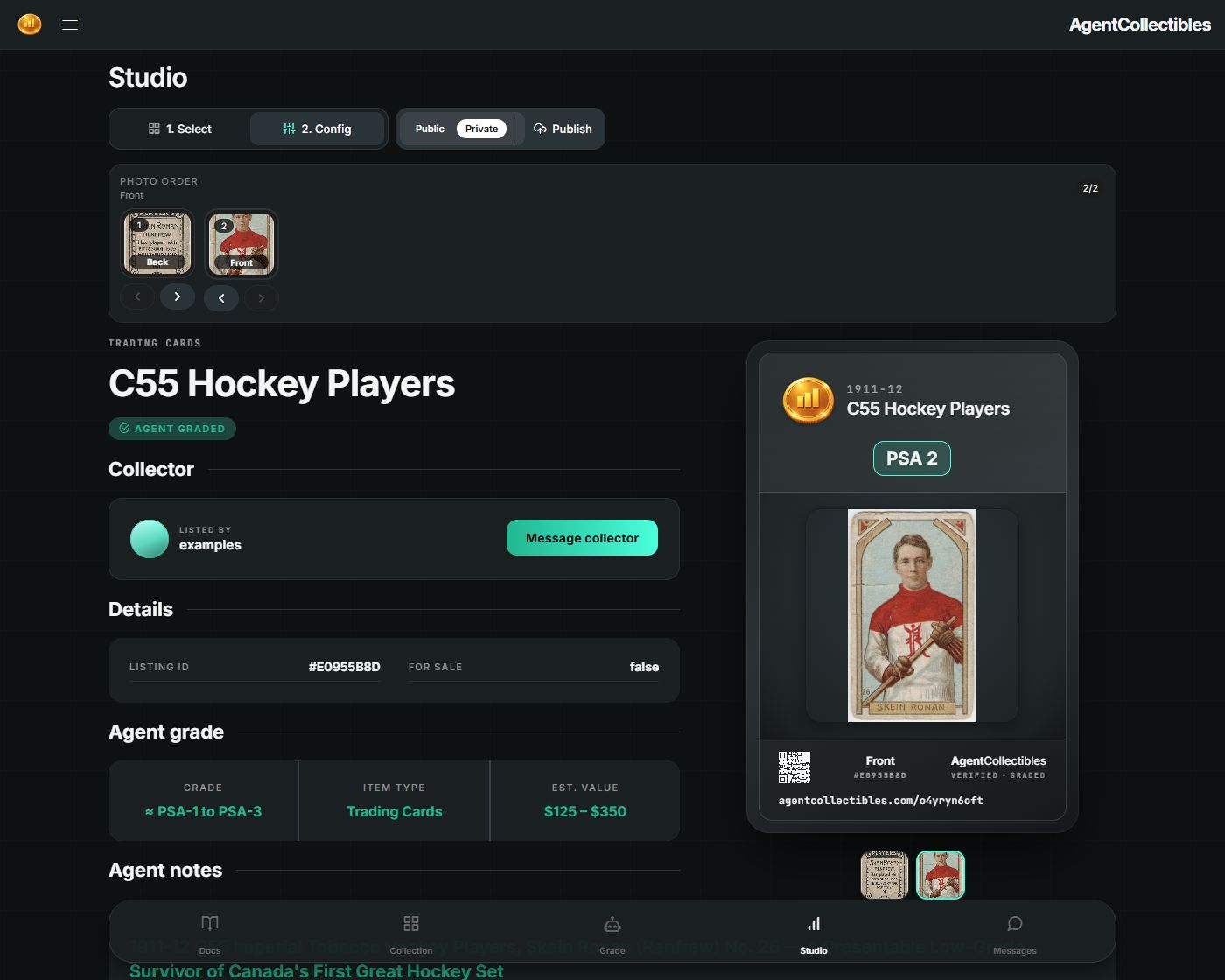
#Two-step process to publish
Select the uploads for the item — You'll see a list of your individual item uploads from the Studio page. Select the one you want to prepare.
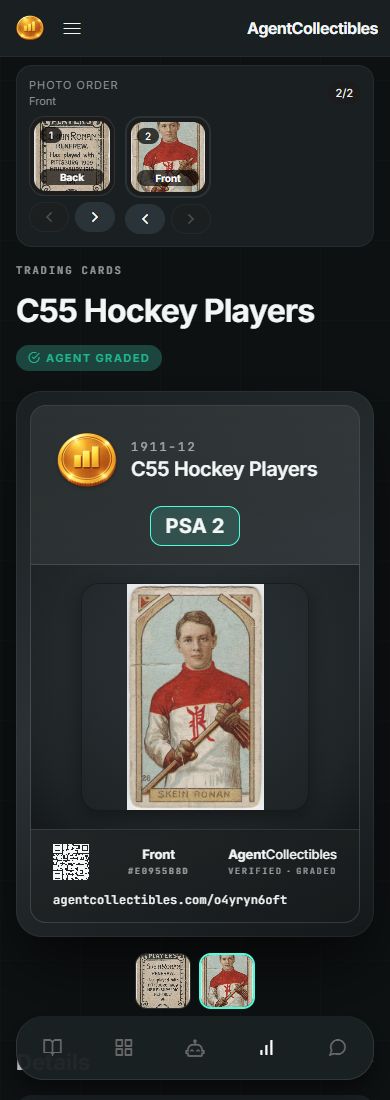
Configure and publish — This view is a preview of what the published item page will look like in your collection, with a couple of fields you can edit:
Public or private — who can see it
Order of images — how images are displayed for an item
Collector's notes — your own notes about the item (optional)
When it looks right, click Publish.
#Skip Studio entirely
If you checked the Publish box on the Grading page when you submitted the item, Studio is bypassed. The item goes straight to your Collection with default settings (no collector notes, default photo order, and whatever privacy mode you selected). You can always come back to the Studio page and edit it later. See Grading for more on that.
#Deleting items
Items that haven't been published yet can be deleted from the Studio page. Already-published items can be deleted from your Collection page.